

PDFs guide
How to Print Aadhaar Card on A4 — Free Layout for PVC and Paper
An e-Aadhaar PDF is not a print-ready card sheet. Here is how CSC and cyber-café desks crop faces, pack four to eight cards on A4 at 300 DPI, and keep every byte on the local machine.
By Pixelandpdf · Published · Updated · 11 min read
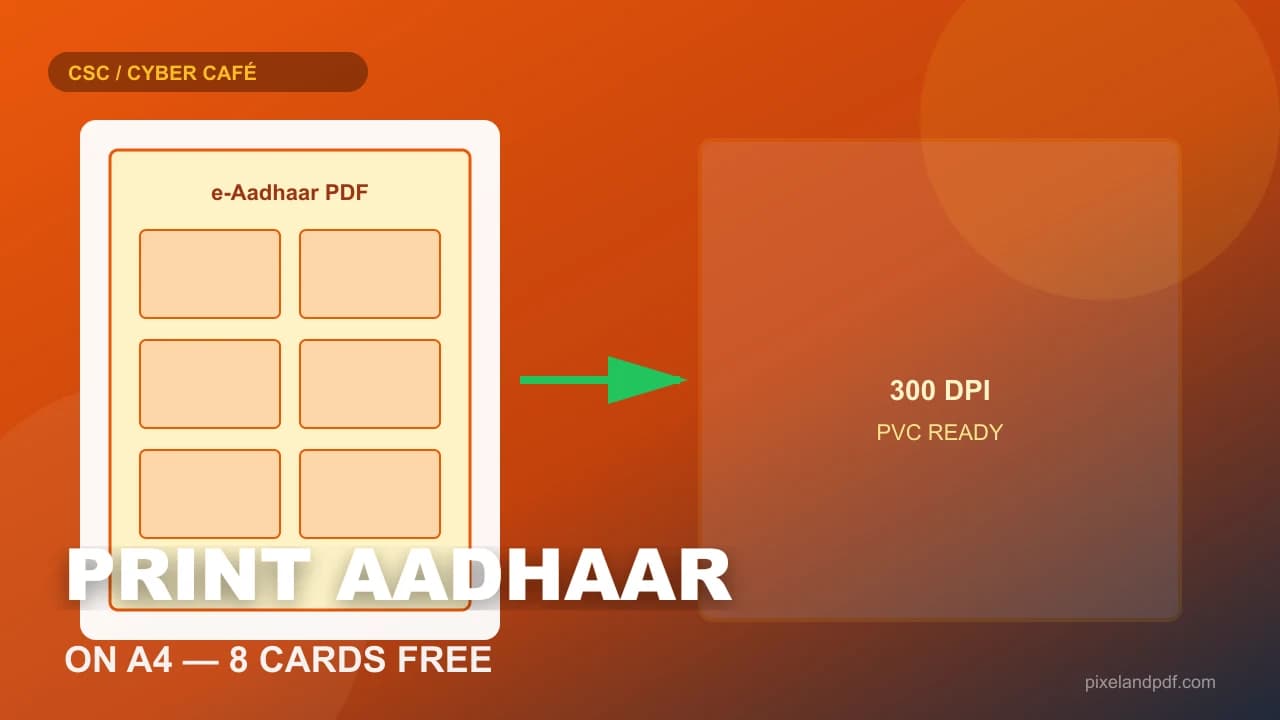
Every afternoon at a Common Service Centre or village cyber café, someone walks in with an e-Aadhaar PDF on a phone and asks for a plastic card by evening. The operator opens the file, sees a full A4 page with UIDAI headers and a tiny card graphic in the middle, and knows immediately that printing that PDF as-is will waste laminate, blur the photo, and force hand-cropping under pressure. What they actually need is a tight CR80-style crop repeated cleanly across an A4 sheet at print resolution.
Print Aadhaar card on A4 the right way means unlocking the password if UIDAI encrypted the download, cropping each face to standard card proportions, packing four to eight cards per sheet at 300 DPI, and sending a flat JPG or PDF to the PVC machine or photo printer. The fastest free path for a busy desk is a browser studio that runs entirely on the local PC — no upload to a stranger's server, no desktop software install, and no queue behind a paid subscription.
This guide walks through the full CSC and cyber-café workflow: where to download e-Aadhaar, how to handle the usual password, why 300 DPI matters for PVC, how many cards fit on one sheet, and what to do when the crop comes out blank or skewed. Everything here stays client-side on PixelAndPDF so identity documents never leave the tab you opened.
Quick steps
- Download e-Aadhaar from myAadhaar or DigiLocker and transfer the PDF to the print PC (USB, AirDrop, or customer phone browser).
- Open the Aadhaar card print tool, drop the PDF, and enter the password if prompted (usually first 4 letters of name in CAPS + birth year, e.g. SURE1990).
- Choose 4, 6, or 8 cards per A4 sheet and generate the 300 DPI preview — check that faces are centred and text is sharp.
- Download the A4 sheet as JPG (or ZIP for batches) and send it to your PVC cutter, laminator, or photo printer.
- Delete local copies from Downloads when the customer leaves — treat unlocked e-Aadhaar like cash on the counter.
Why printing e-Aadhaar straight to A4 fails at the counter
UIDAI's e-Aadhaar download is designed for viewing and verification, not for card manufacturing. The PDF is a full A4 page with logos, disclaimers, and a card graphic that occupies only a fraction of the sheet. If you hit Print in Adobe Reader or Chrome, the card shrinks to postcard size in the middle of the page. PVC shops that feed that sheet into a cutter get soft edges, wrong scale, and wasted laminate because the operator is guessing margins by eye while three more customers wait.
Search traffic for print Aadhaar card on A4 and aadhaar card print online reflects this daily friction. VLE operators, CSC franchisees, and cyber-café staff are not looking for another PDF viewer — they need a repeatable layout engine that crops the face, places front and back correctly, and packs multiple cards so the cutter lands on the same guides every run. That is a different job from simply opening a government download.
Password protection adds another stall. Most e-Aadhaar files open only after you type the name-and-year password UIDAI set at download time. Without unlocking, neither the print dialog nor a crop tool can render the card face. Doing unlock and layout in one browser tab avoids emailing the PDF to a shared café PC or uploading it to random Aadhaar printing software sites that store yesterday's jobs on their servers.
- Raw e-Aadhaar PDF ≠ print-ready card art — always crop first.
- Full-page print wastes PVC laminate and produces inconsistent card size.
- Password-locked files must be unlocked before any crop engine can read faces.
- Batch village queues need 4–8 cards per sheet, not one card per A4 page.
Fastest method: print Aadhaar card on A4 in your browser (no upload)
For a CSC desk that handles ten Aadhaar jobs before lunch, the shortest route is a client-side print studio. You drop the e-Aadhaar PDF onto a page, enter the password if asked, pick how many cards per sheet, and download a 300 DPI A4 raster. The conversion and layout run with JavaScript inside your own browser tab — on a properly built tool, nothing is sent to a server.
That privacy detail matters more than speed. e-Aadhaar contains name, address, photo, and Aadhaar number. Uploading it to a free online Aadhaar printer creates a copy on hardware you do not control, often on a shared café PC with a Downloads folder full of other people's documents. Prefer tools that state clearly that processing is local, and prefer opening the page yourself rather than clicking pop-up ads for Aadhaar card printing software.
On PixelAndPDF the Aadhaar card print studio is built for exactly this counter workflow: batch-friendly (up to about 20 PDFs per run), password unlock built in, 4/6/8 cards per A4, and a download that PVC machines and laser printers accept immediately. If the file will not open at all, unlock it first with the Unlock PDF tool, then return to the print studio.
- Works on Windows 10/11 and most CSC laptops in Chrome or Edge.
- No Microsoft Store install and no admin rights required.
- Ideal when a queue is waiting and desktop software is not licensed.
- Safer for identity documents than upload-based Aadhaar print portals.
300 DPI, card size, and how many Aadhaar cards fit on one A4
PVC card printers and most photo laminators expect a flat raster at print resolution, not a vector PDF with unknown scale. Exporting at 300 DPI keeps the photograph and embossed text sharp when the sheet is cut down to credit-card size (roughly 8.56 cm × 5.4 cm, CR80 proportions). Below 200 DPI, faces look soft on plastic and customers complain about reprints — a cost CSC operators absorb, not the software vendor.
Packing density is a business decision, not just a layout setting. Four cards per A4 leaves generous bleed for hand cutting and corner rounding. Six cards suit mid-tier cutters with fixed guides. Eight cards per sheet maximises laminate economy when you are doing paper handouts or have a precise punch template. Looser layouts waste fewer reprints when the source e-Aadhaar was already a low-quality phone screenshot; denser layouts save money when the PDFs are clean UIDAI downloads.
Front and back placement varies by how the customer downloaded the file. Some e-Aadhaar PDFs put both faces on one page side by side; others use two separate pages. A good print studio detects the layout automatically and lets you nudge crop sliders when UIDAI changes margins in a portal update. Always preview before sending fifty sheets to the PVC machine.
e-Aadhaar password, DigiLocker, and the CSC download desk
The password UIDAI applies to e-Aadhaar is usually the first four letters of the name as printed on the card, in capital letters, followed by the four-digit birth year — NAME+YYYY, for example SURE1990. Caps Lock mistakes, using nickname instead of card name, or typing DDMMYYYY instead of YYYY are the three reasons unlock fails at the counter when the customer insists the password is correct.
DigiLocker and myAadhaar sometimes deliver truncated downloads on flaky mobile data — the PDF opens but pages are blank or the crop engine sees garbage. Before blaming software, ask the customer to re-download on Wi-Fi, or pull the file from DigiLocker on a laptop. If the PDF is genuinely password-locked and the password is known, the Unlock PDF page removes encryption locally so the print studio can render faces.
CSC operators should never store e-Aadhaar on WhatsApp Web or email it to a personal phone for later. The workflow is: download on the customer's device or the desk PC, unlock and layout in one session, print, then delete Downloads. VLE training modules emphasise consent and data minimisation; a browser-only tool supports that policy because closing the tab clears working memory copies.
- Password format: first 4 letters of name (CAPS) + birth year (YYYY).
- Re-download from UIDAI before assuming the crop engine failed.
- DigiLocker files may need unlock even when the customer forgot they set a password.
- Never batch WhatsApp e-Aadhaar to a home phone for evening printing.
PVC print versus paper print — what the tool does and does not do
Print Aadhaar card on A4 online free tools prepare artwork; they do not manufacture government ID cards. The operator still runs a PVC card printer, laminator, or photo paper cutter at the shop. PixelAndPDF exports a 300 DPI sheet — your hardware applies heat, laminate, and chip encoding if the customer ordered a smart card from a vendor who supplies blanks separately.
Paper prints for bank KYC or school records often need only one or two cards on A4 with room for a covering letter. PVC jobs for village enrolment camps may need eight-up sheets to clear a queue before the power cut. Match density to the cutter you own, not to whatever default the software suggests.
If the source e-Aadhaar photo was already blurry because someone photographed a screen, no crop tool invents detail. Tell the customer before taking payment for premium PVC. Offer a fresh UIDAI download on their phone instead of reprinting mush three times.
Troubleshooting: blank crops, skewed faces, and browser limits
If the preview shows a blank rectangle, the PDF is still locked, corrupted, or not actually e-Aadhaar — sometimes customers bring a screenshot saved as PDF. Unlock with the known password, re-download from myAadhaar, or ask for the official UIDAI file rather than a photo of a phone screen.
Skewed or off-centre crops usually mean UIDAI changed the template margins. Use the Adjust sliders in the print studio to nudge top, height, and width until the face matches your physical cutter guides. Save mental notes when a state camp batch all needs the same nudge — portal updates cluster by region.
Browser memory caps exist for honest reasons: about 20 PDFs, 25 MB each, and 40 faces per run on typical CSC hardware. Split a hundred-village queue into two passes rather than freezing a shared PC during peak hours. If WebAssembly is blocked on a managed laptop, try the customer's phone browser or a personal laptop, then transfer only the finished JPG sheet via USB.
- Blank preview: locked PDF, truncated download, or screenshot masquerading as PDF.
- Skewed crop: nudge Adjust sliders; BIS and UIDAI templates drift over time.
- Browser slow or crash: batch fewer files; 8-up sheets use more memory than 4-up.
- Print dialog scale wrong: set 100% scale, no fit-to-page, in Chrome or Edge print.
Frequently asked questions
Drop the e-Aadhaar PDF onto the browser print studio, enter the password if asked, choose 4–8 cards per sheet, generate the 300 DPI preview, and download the A4 sheet. On PixelAndPDF nothing is uploaded — layout runs on your device.
Usually the first four letters of the name in capital letters plus the birth year (NAME+YYYY), for example SURE1990. If that fails, re-download from myAadhaar or DigiLocker and check the hint on the download page.
Yes. Choose the 8-per-A4 layout before generating. Use 4 or 6 if your PVC cutter needs larger margins or bleed for corner rounding.
Only if the tool processes files in your browser. Avoid sites that require uploading e-Aadhaar to a server. Still delete Downloads from shared CSC PCs after the customer leaves.
300 DPI on A4 is the standard for sharp faces when cut to credit-card size. Lower resolution looks soft on plastic and causes reprint complaints.
No. It prepares a print-ready A4 sheet. You still need a PVC printer, laminator, or photo cutter at the shop — the tool only crops and packs the artwork.
The PDF may still be password-locked, damaged, or a phone photo of a screen rather than official e-Aadhaar. Unlock or re-download from UIDAI, then adjust crop sliders if margins changed.
Yes. The browser-only flow needs no install, handles typical e-Aadhaar passwords, and keeps files local — suited to Common Service Centre and cyber-café counters with queues.
About 20 files and 40 card faces per run on typical hardware, 25 MB each. Split larger village batches into two passes if the browser slows down.
The Aadhaar print studio accepts locked files and prompts for the password. If unlock fails elsewhere, use the dedicated Unlock PDF tool first, then return to print Aadhaar card on A4.