

Guides — PDF, image & cyber café how-tos plus AI news
Practical how-tos for PDFs, images, QR codes and cyber café print jobs — plus longer reads on AI models when you need context before opening a calculator. Every task-focused guide links to a free PixelAndPDF tool that runs in your browser.
How our guides are built
Each how-to is written around a real job someone opens PixelAndPDF to finish: compress a PDF for a form upload, print an ID card on A4, unlock an e-Aadhaar file, or shrink a photo to a kilobyte cap. Steps are tested against the live tool, screenshots match the current UI, and the FAQ on every guide mirrors how people search.
Editorial articles cover AI product news — model releases, security incidents, prompt techniques — and link back to calculators or converters when there is a practical next step. They are dated journalism, not evergreen instructions, and sit in a separate list below so task guides stay easy to scan.
Pick the right guide
Start with a how-to when you know the outcome you need but not the clicks to get there. Open a cyber café guide when you are at a CSC desk handling Aadhaar, PAN or Ayushman print layouts. Open an image or PDF how-to when a portal rejected your file size or format. Open an AI article when you are researching model capability or cost before committing budget.
How-to guides
Step-by-step instructions for file tasks and cyber café workflows — each page ends at a free tool.
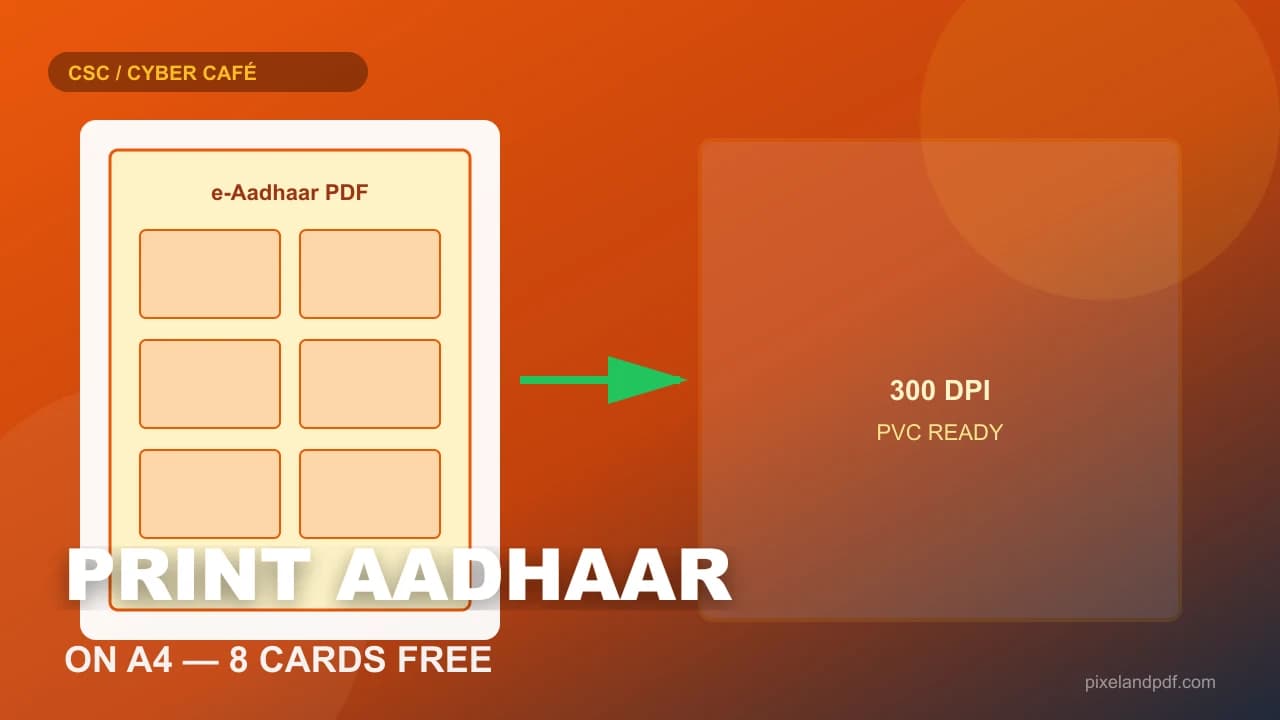 PDFsHow to Print Aadhaar Card on A4 — Free Layout for PVC and PaperAn e-Aadhaar PDF is not a print-ready card sheet. Here is how CSC and cyber-café desks crop faces, pack four to eight cards on A4 at 300 DPI, and keep every byte on the local machine.Updated 24 Aug 2026 · 11 min read
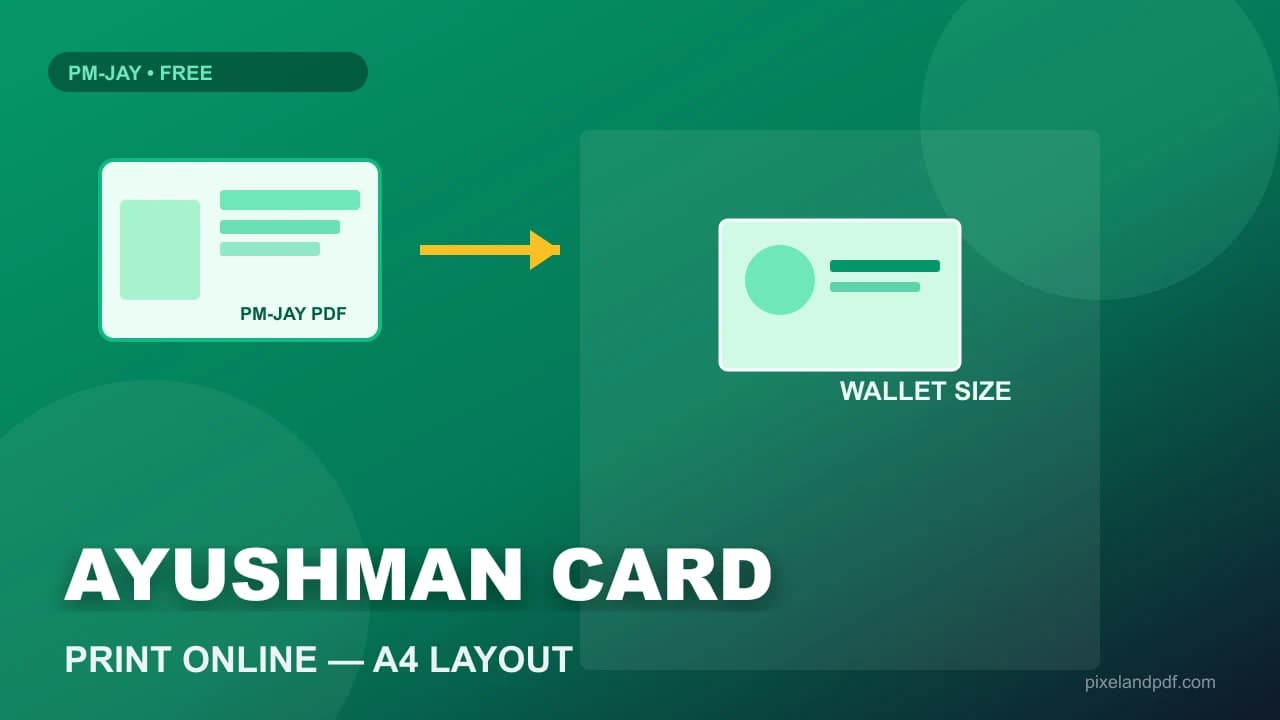 PDFsHow to Print Ayushman Card Online — PM-JAY PDF Crop and A4 LayoutA raw PM-JAY download is a full A4 page, not a wallet card. Here is how CSC, hospital help desks, and cyber cafés crop golden cards to PVC size and print several on one sheet — all in the browser, nothing uploaded.Updated 24 Aug 2026 · 11 min read
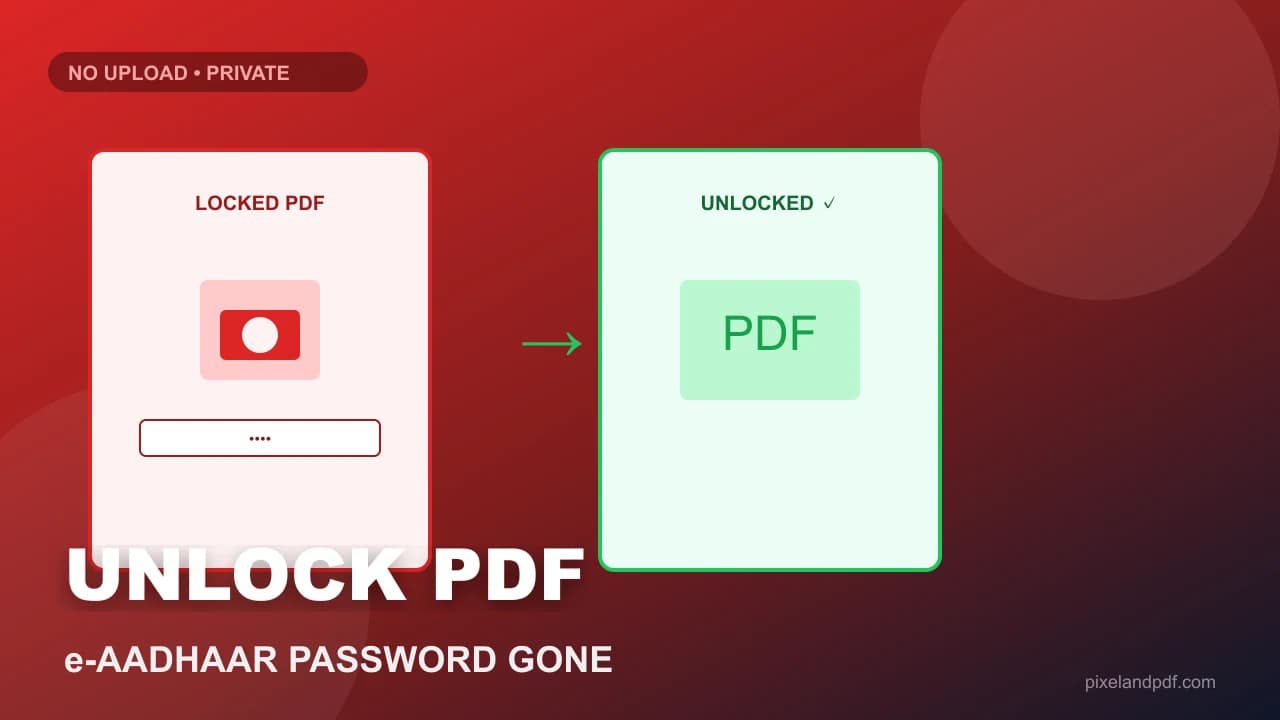 PDFsHow to Unlock a Password Protected PDF e-Aadhaar — Free and Privatee-Aadhaar will not print, crop, or merge until you remove the open password. Here is how CSC and cyber-café desks unlock PDFs locally when they already know the code — no upload, no cracking, no desktop install.Updated 24 Aug 2026 · 10 min read
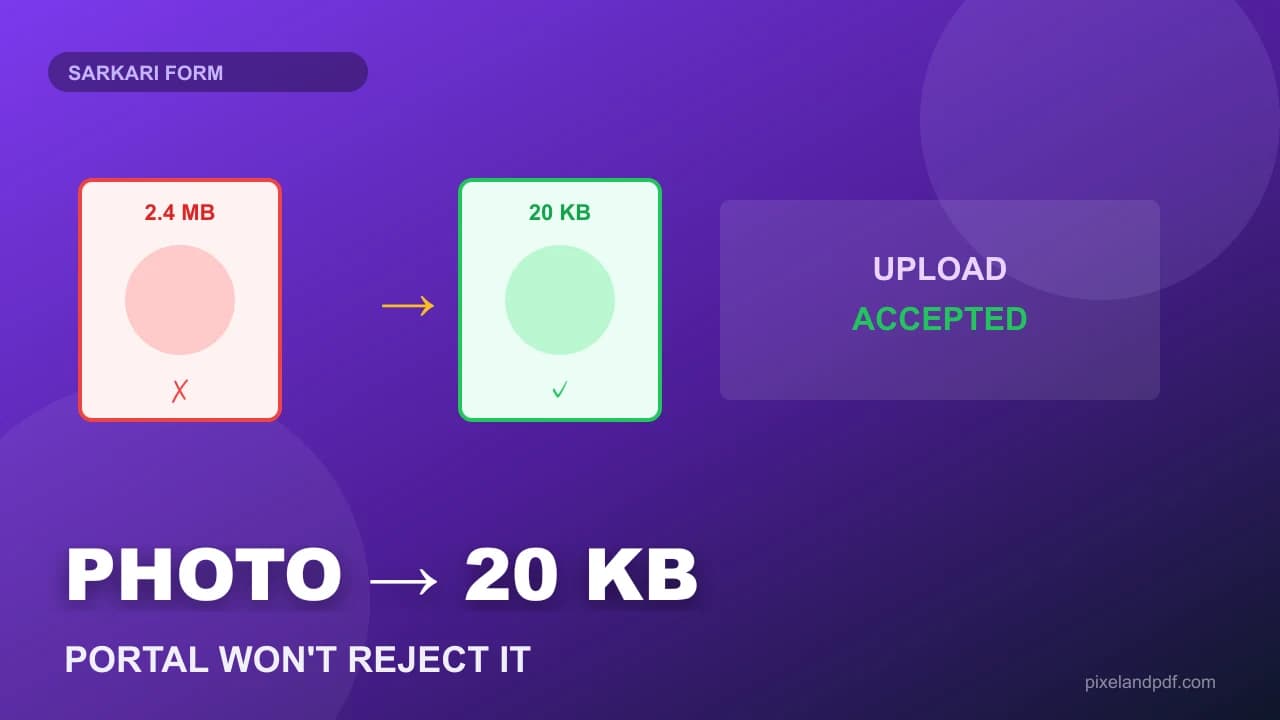 ImagesHow to Resize a Photo to 20 KB for Sarkari Forms — Without Ruining the UploadTwenty kilobytes is a brutal ceiling on UPPSC, railway, and state portal forms. Here is how CSC desks hit the cap in the browser, when to retake instead of over-compress, and why upload-free tools matter for candidate photos.Updated 24 Aug 2026 · 12 min read
 PDFsHow to Print a PAN Card on A4 — Free e-PAN Layout for Cyber Cafés and PVC ShopsAn e-PAN download is not a print template. Here is how to turn NSDL or UTI PDFs into a clean A4 sheet — four, six or eight cards per page at 300 DPI — without uploading the file to a stranger's server.Updated 24 Aug 2026 · 12 min read
 PDFsHow to Merge PDF Files Online Free — Combine Scans Without UploadingSix separate scans and one attachment field. Here is how to merge PDF files online free in your browser — reorder pages, keep text selectable, and skip the upload box that copies your documents to a stranger's server.Updated 24 Aug 2026 · 11 min read
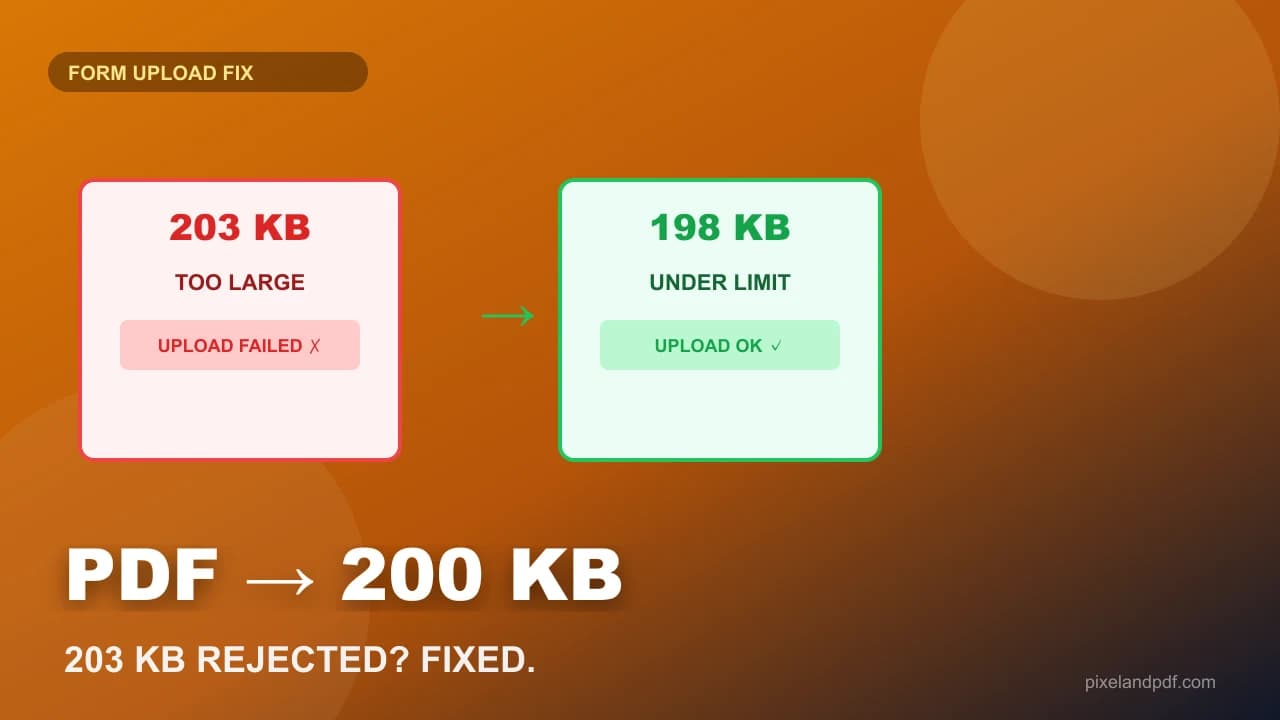 PDFsHow to Compress a PDF to 200KB for a Form Upload — When the Portal Rejects 203 KBThe form says max 200 KB. Your scan is 4.2 MB. Here is the exact order — rescan settings first, then a 200 KB preset compressor in your browser — so the certificate stays readable and the portal finally accepts the file.Updated 24 Aug 2026 · 12 min read
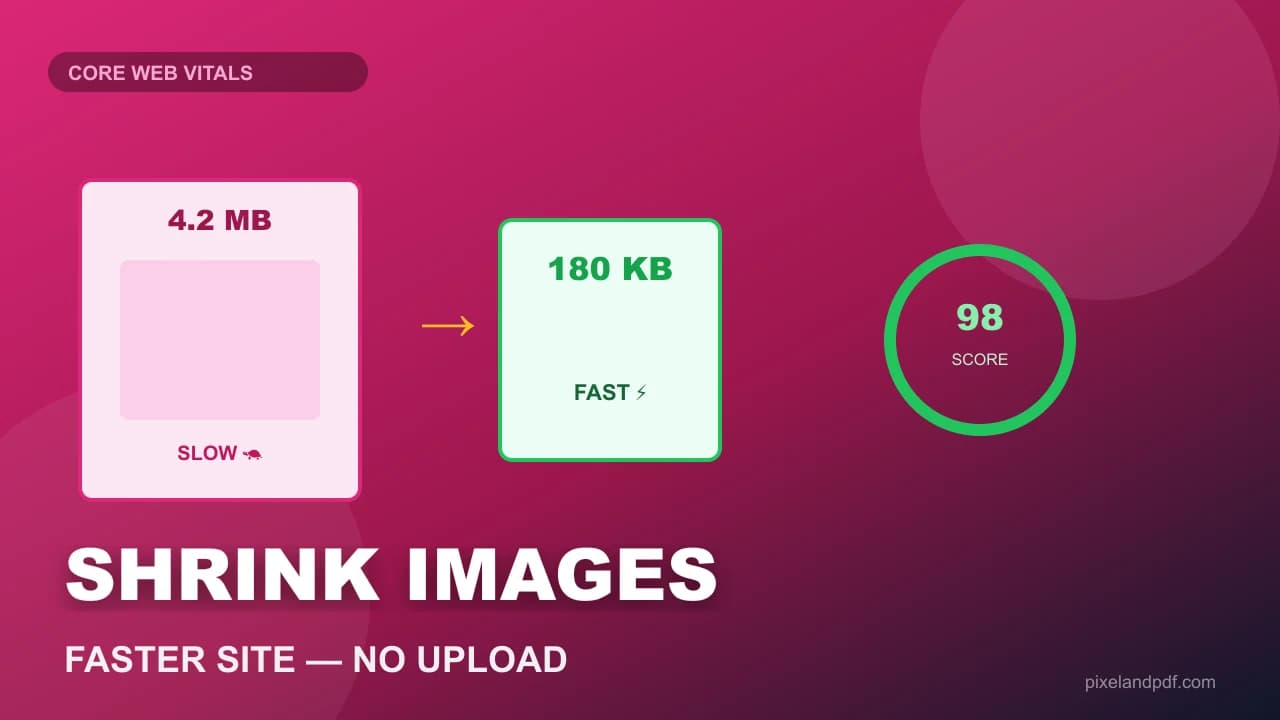 ImagesHow to Compress Images for the Web Without Uploading — Free and PrivateA hero image that weighs 4 MB destroys page speed scores and gets rejected by form uploads. Here is how to compress images for the web in your browser — no upload, no account — with KB targets that actually match email and portal caps.Updated 24 Aug 2026 · 11 min read
 ImagesHow to Convert JPG to PDF — Free Methods for Forms, Email and Phone PhotosPortals want a PDF. Your camera roll is full of JPGs. Here is how to convert JPG to PDF — one photo or many pages — without installing software or uploading private scans to a stranger’s server.Updated 17 Aug 2026 · 10 min read
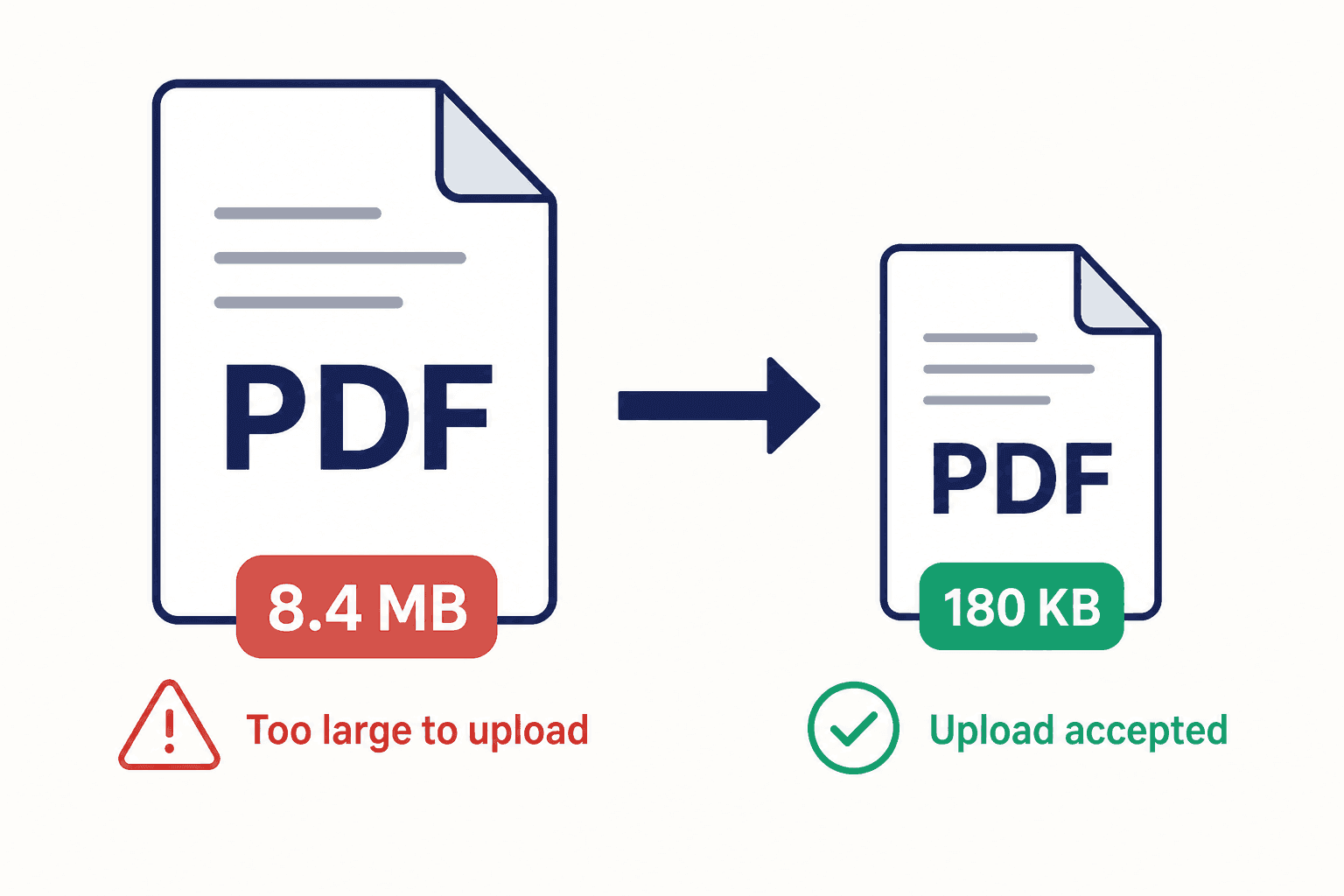 PDFsHow to Compress a PDF to 1MB Free — and Clear Strict KB LimitsA PDF that will not upload is almost never a mystery. Here is how to pick the right size target (1MB, 500KB, 200KB), shrink the file in your browser without uploading it, and keep names and signatures readable.Updated 10 Aug 2026 · 11 min read
 QR codesHow to Make a WiFi QR Code — Free, Printable, No App Required for GuestsStop reading your WiFi password out letter by letter. A single scannable code lets phones join your network in one tap — here is how to make one that actually works when you print it.Updated 31 Jul 2026 · 10 min read
 ImagesHow to Convert HEIC to JPG on Windows — Free Methods That Actually WorkiPhone photos saved as HEIC often will not open on a Windows PC. Here is how to convert them to JPG without installing junkware or uploading your album to a stranger's server.Updated 29 Jul 2026 · 9 min read
Frequently asked questions
What kind of guides does PixelAndPDF publish?
Practical how-to pages for file tasks: compress PDF, print Aadhaar/PAN/ration cards, convert images, WiFi QR codes and cyber cafe desk jobs. Every how-to links to a matching free browser tool.
Are PixelAndPDF guides free to read?
Yes. Every guide is free with no paywall or sign-up. The linked tools are free as well and run in your browser.
Do guides replace the tools?
No. Guides explain the task — portal limits, print layout, password hints — then send you to the tool that finishes the job. Skim the steps if you are in a hurry; read the sections when something fails.
Which guides help with sarkari forms and cyber café work?
Look for how-tos on Aadhaar and PAN A4 print, Ayushman card layout, unlocking e-Aadhaar PDFs and resizing photos to 20 KB for government uploads. They pair with the Cyber Café Tools hub.
How often are guides updated?
How-tos are revised when portal rules, print sizes or tool defaults change. Each card shows an updated date. AI news articles are dated journalism — check the headline model or event for currency.
Who writes the guides?
Guides are written and reviewed by the same small team that builds the tools. Technical steps are tested against the live tool before publish; news pieces cite primary sources where possible.
Can I suggest a guide topic?
Yes. Email us from the contact page with the exact task you were trying to finish — for example a form upload limit or a printer layout — and we prioritise guides that match real visitor needs.
Why are some guides about ChatGPT or Gemini?
Those articles serve readers who land from AI news searches and need context before using our token cost calculator. They are clearly labelled and sit beside task-focused how-tos, not instead of them.
Do guides upload my files?
No. Guides are static pages. When you follow a link into a tool, processing still happens locally in your browser unless a page explicitly says otherwise.
Where should I start if I only need to compress a PDF?
Open the how-to on compressing a PDF to 200 KB for form upload, or the general reduce PDF file size guide, then use the linked Compress PDF tool when you are ready.